CinematicMagazineGPT Image 2Editorial
Editorial Template
Headshot template, built from prompt with Editorial, Cinematic, and Close-up.

Browse curated AI portrait templates for headshots, profile pictures, dating photos, fashion portraits, cinematic looks, travel, and studio styles.
Headshot template, built from prompt with Editorial, Cinematic, and Close-up.
Fashion template, built from prompt with Realistic.
Headshot template, built from prompt with Realistic.
Sexy template, built from prompt with Editorial, Hotel, Cinematic, and Medium shot.
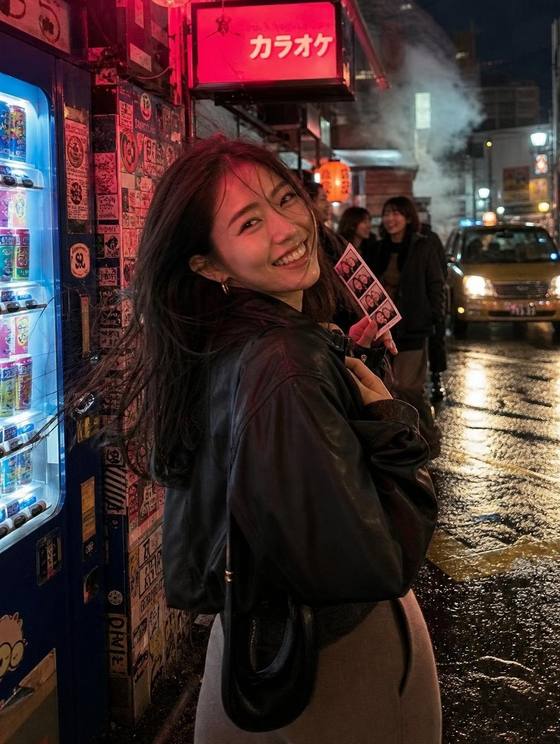
Cinematic template, built from prompt with Editorial, City street, Cinematic, and Medium shot.
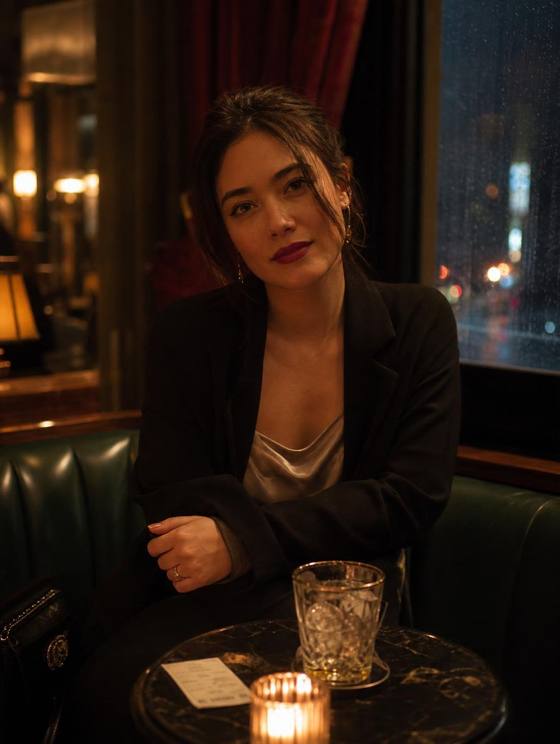
Sexy template, built from prompt with Editorial, Hotel, Cinematic, and Close-up.
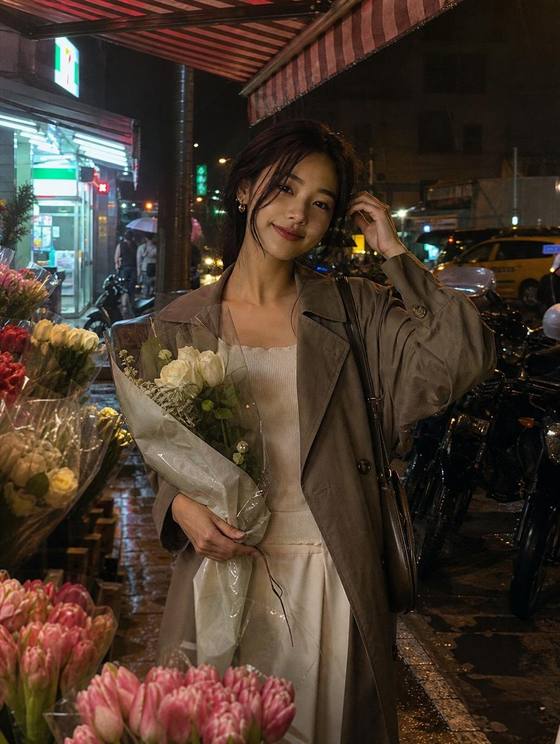
Cinematic template, built from prompt with Editorial, City street, Cinematic, and Medium shot.
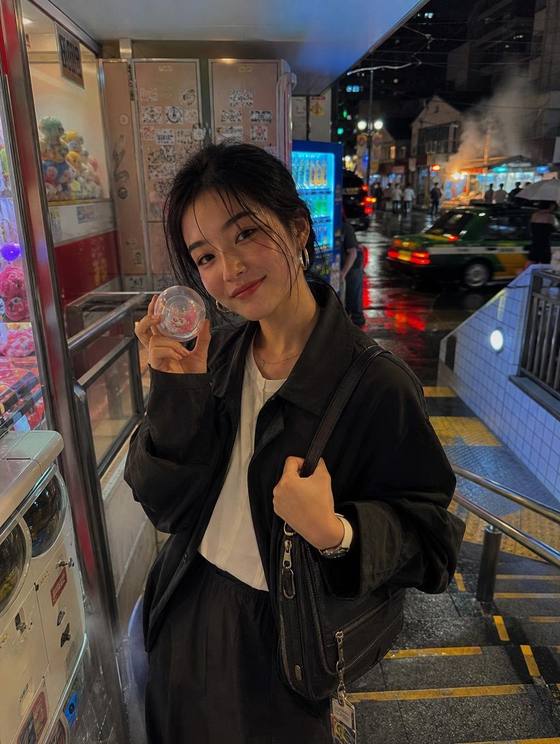
Cinematic template, built from prompt with Editorial, City street, Cinematic, and Medium shot.
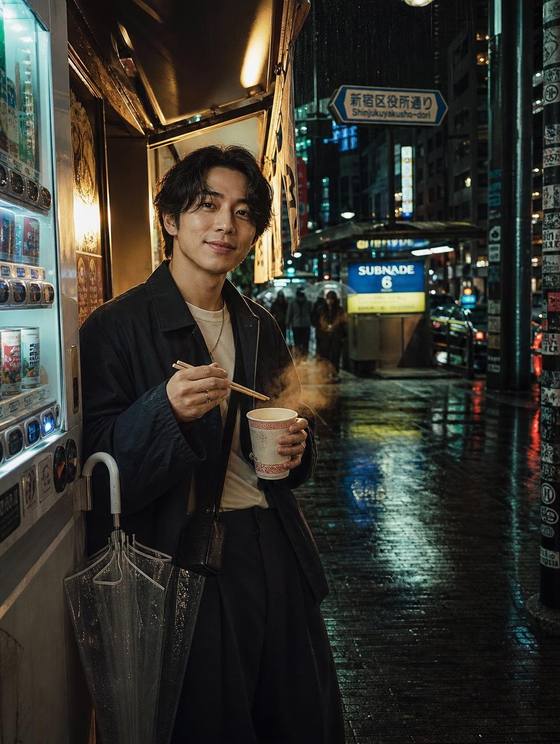
Travel template, built from prompt with Editorial, City street, Cinematic, and Medium shot.
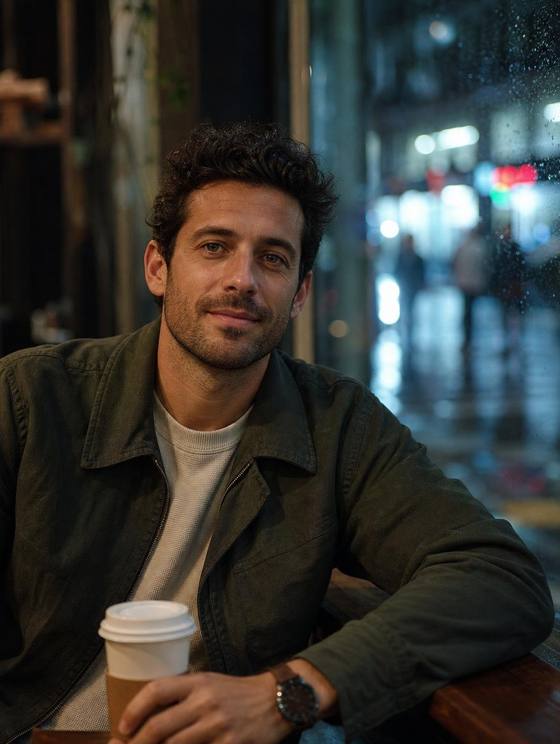
Cinematic template, built from prompt with Editorial, Cafe, Cinematic, and Close-up.
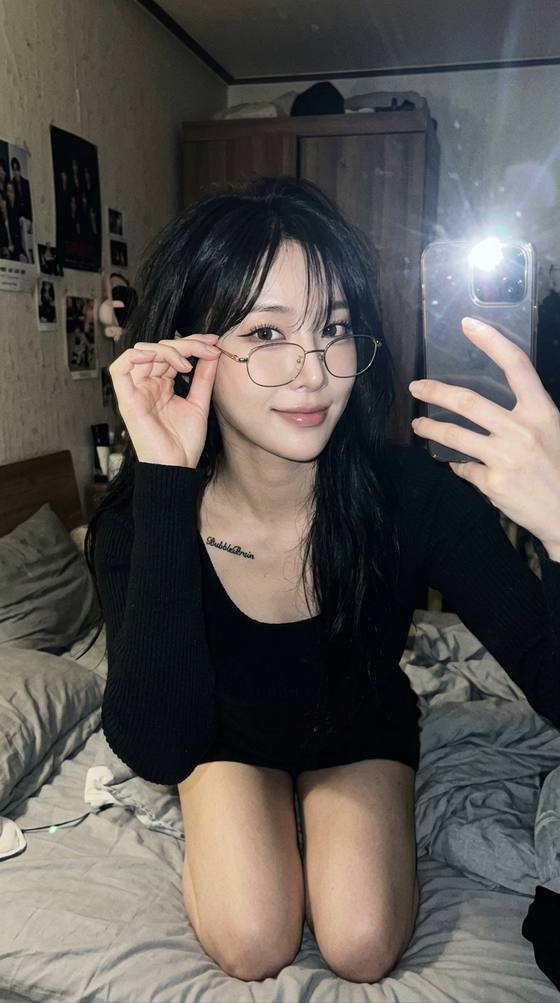
Sexy template, built from prompt with Film flash, Bedroom, Direct flash, and High angle.
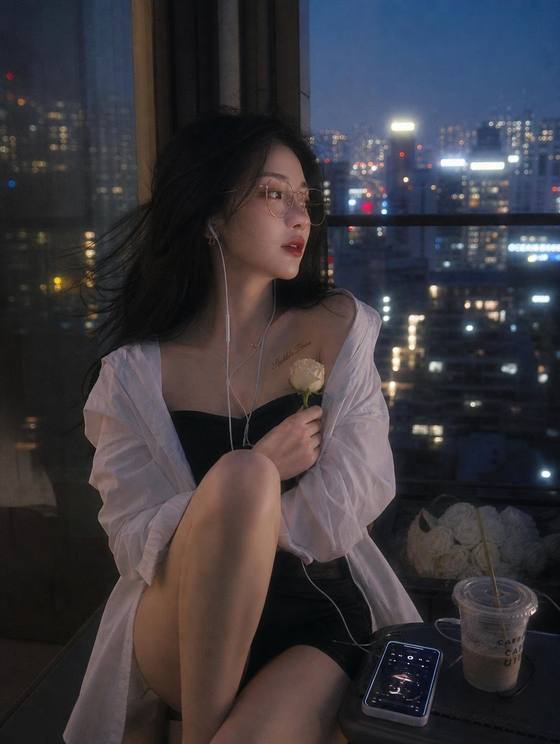
Sexy template, built from prompt with Cinematic, Office, Cinematic, and Eye level.
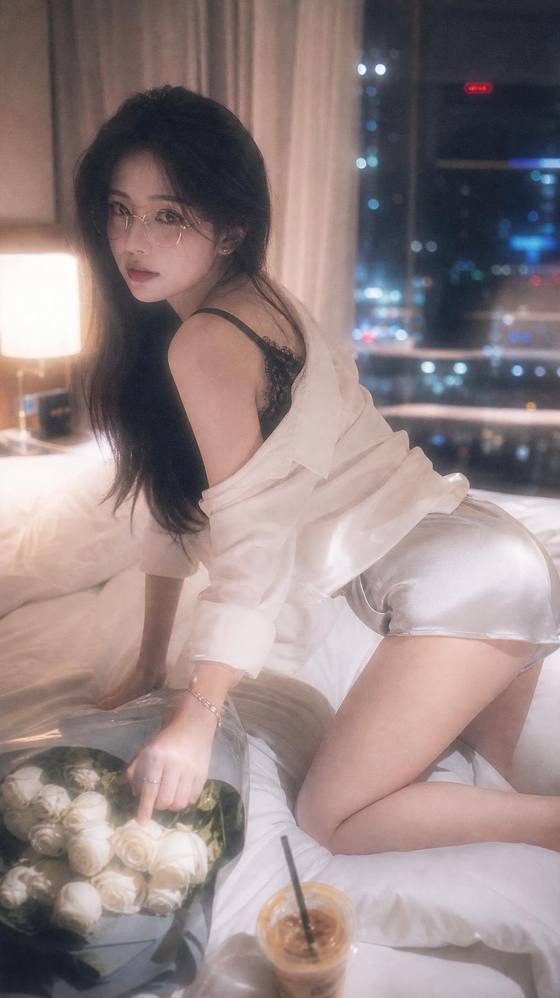
Sexy template, built from prompt with Cinematic, Bedroom, and Cinematic.
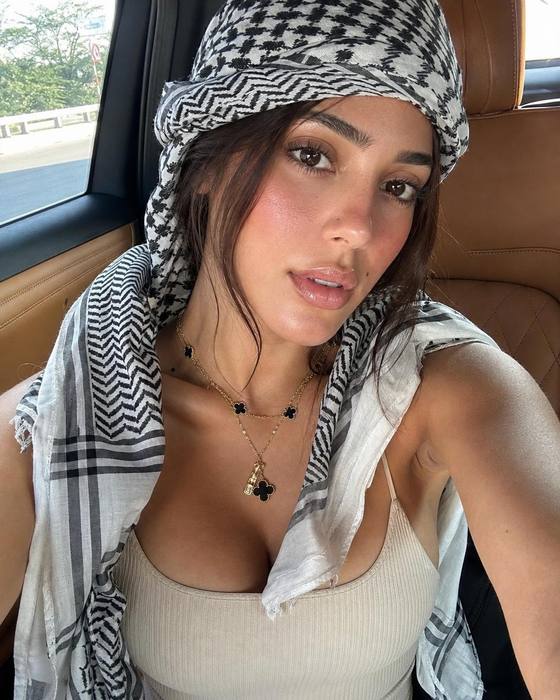
Dating template, built from prompt with Lifestyle, Low key, and Eye level.
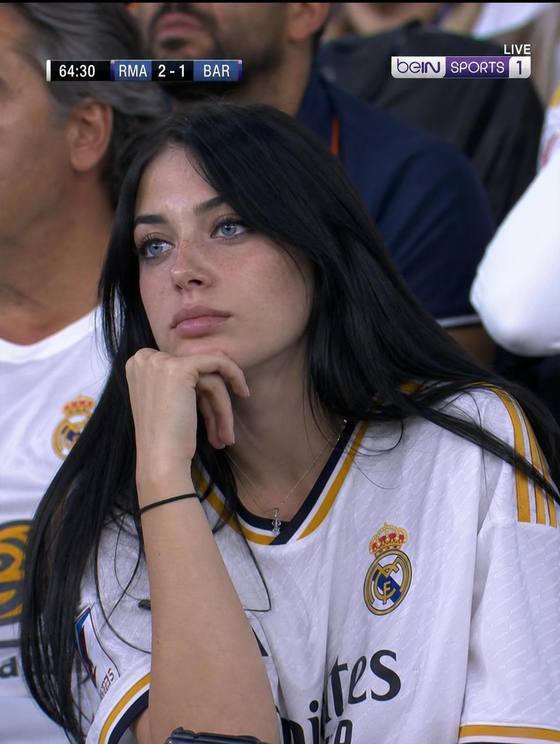
Headshot template, built from prompt with Cinematic and Cinematic.
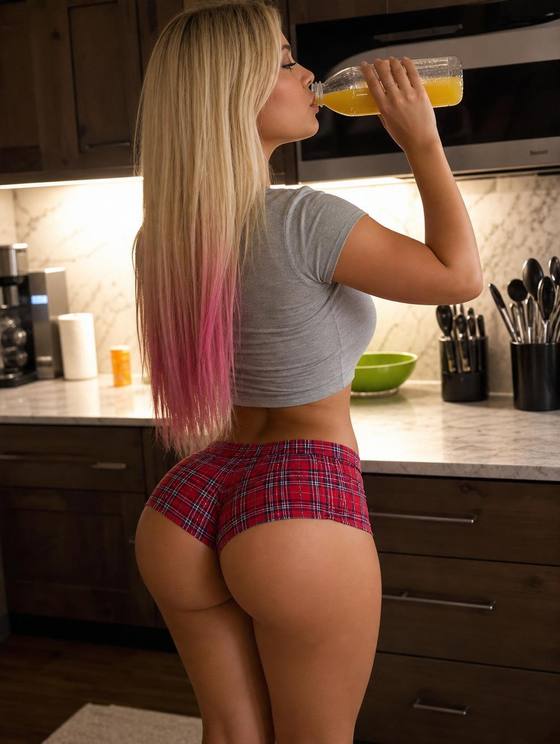
Fashion template, built from prompt with Realistic and Low key.
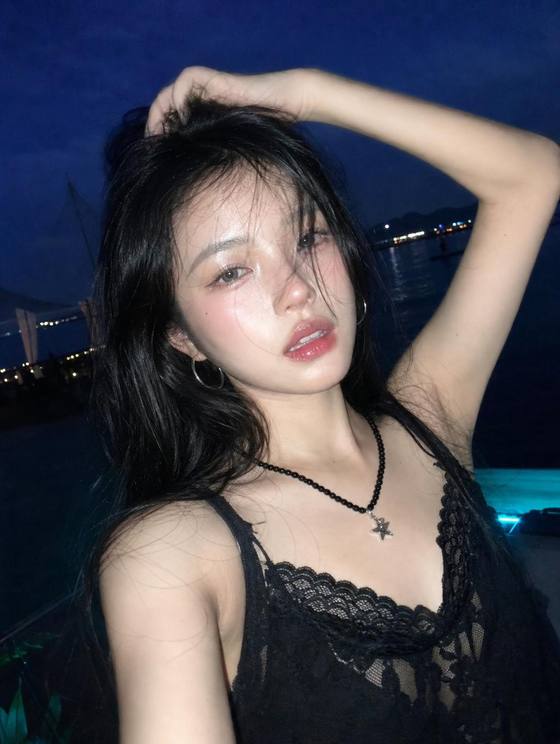
Dating template, built from prompt with Film flash, Beach, Direct flash, and Close-up.
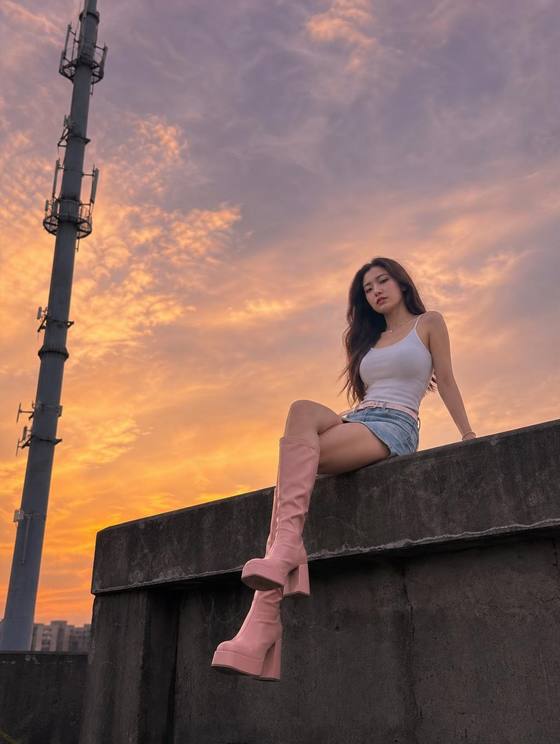
Fashion template, built from prompt with Realistic.
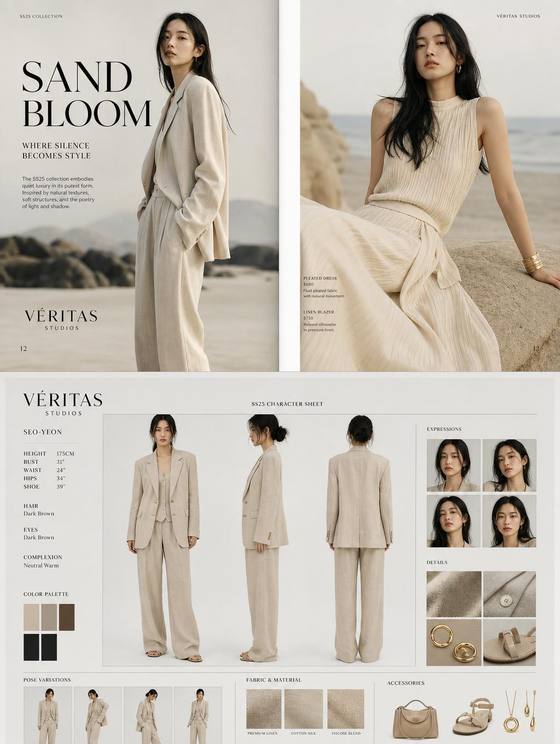
Fashion template, built from prompt with Realistic.
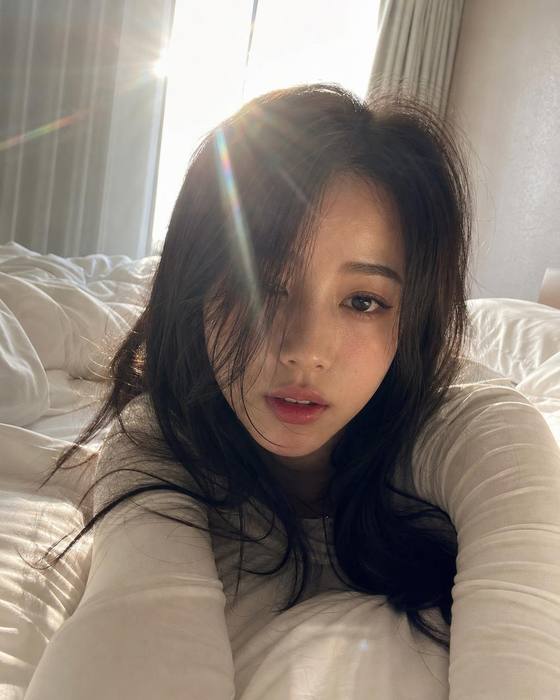
Sexy template, built from prompt with Cinematic, Bedroom, and Cinematic.
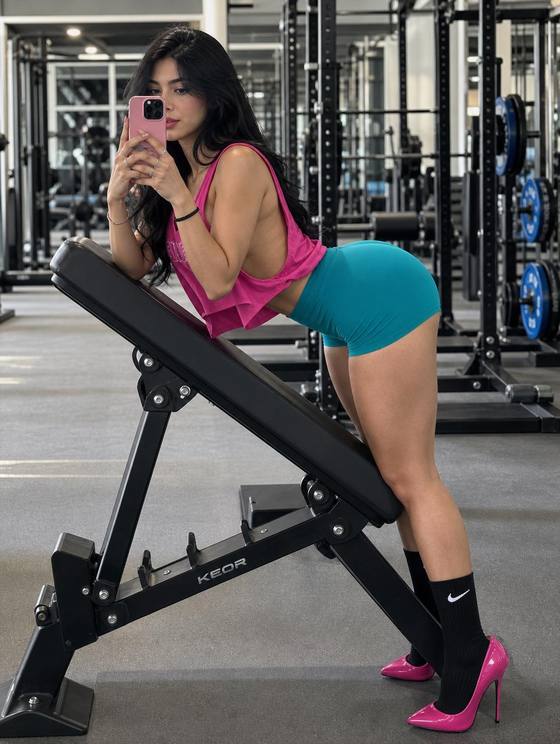
Dating template, built from prompt with Lifestyle, Natural light, and Medium shot.
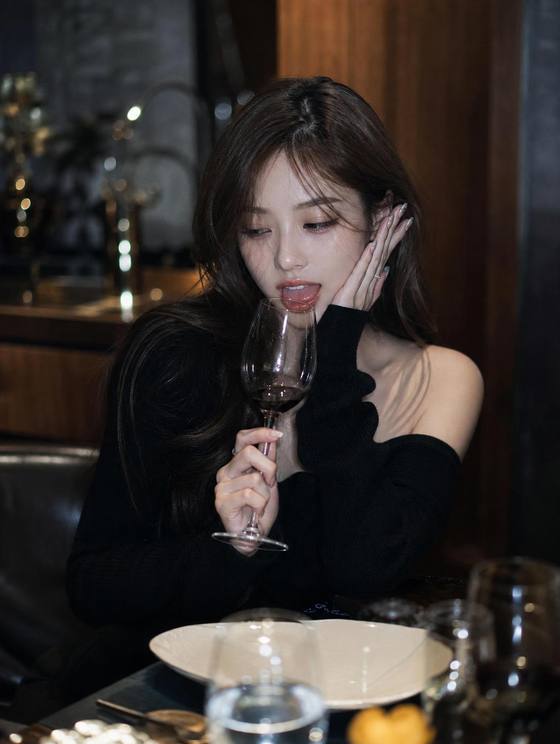
Sexy template, built from prompt with Editorial and Cinematic.
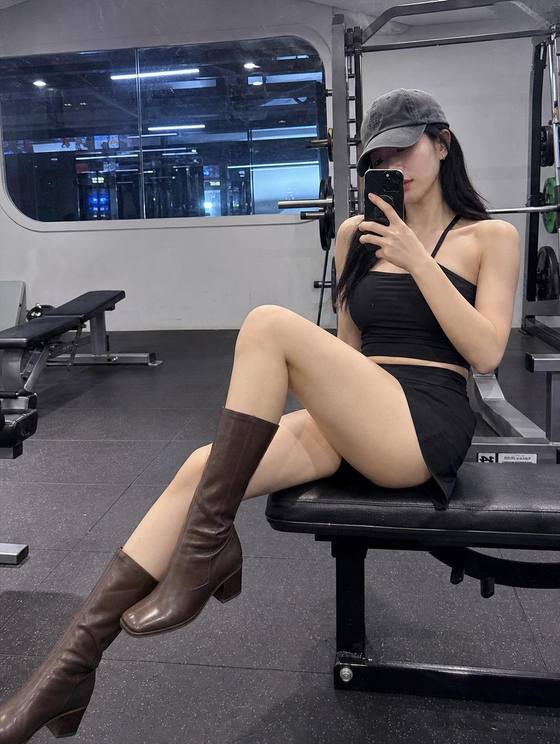
Dating template, built from prompt with Studio clean, Studio, and Low key.
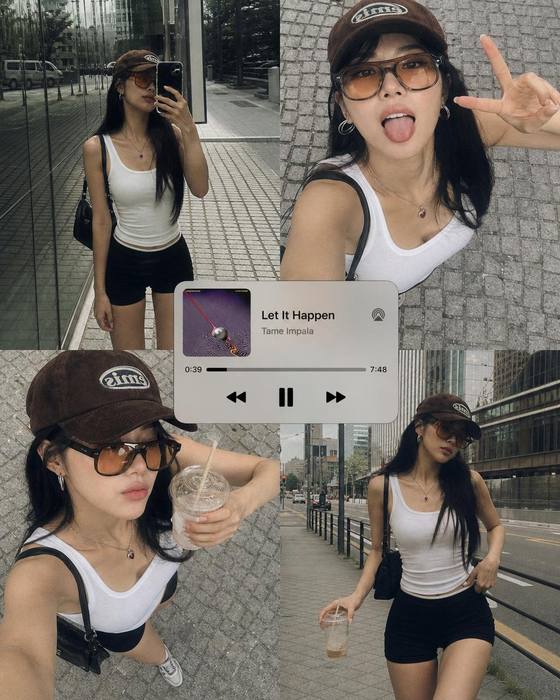
Dating template, built from prompt with Editorial, City street, and High angle.
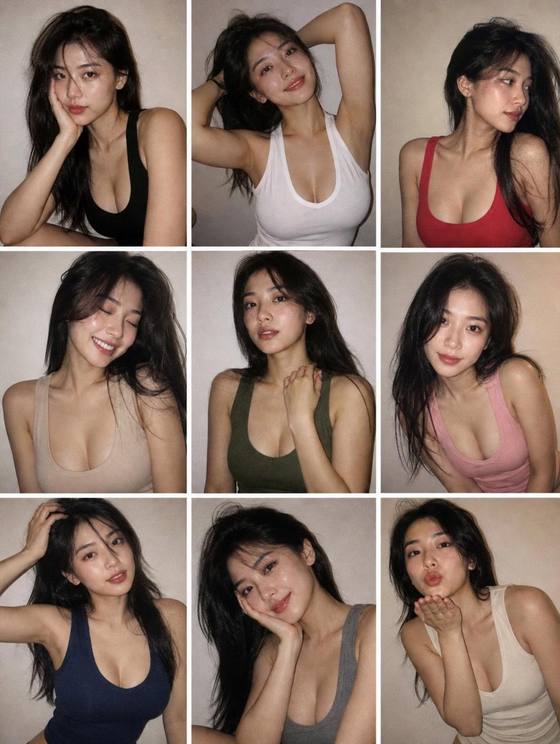
Fashion template, built from prompt with Realistic.
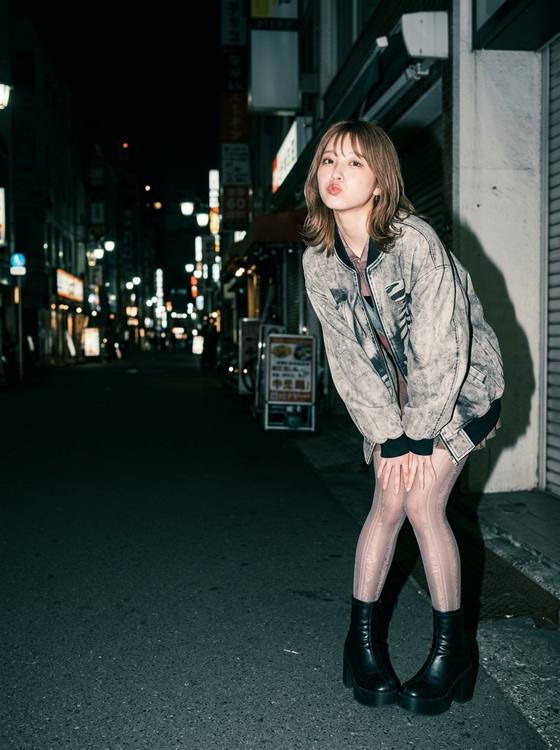
Fashion template, built from prompt with Realistic.
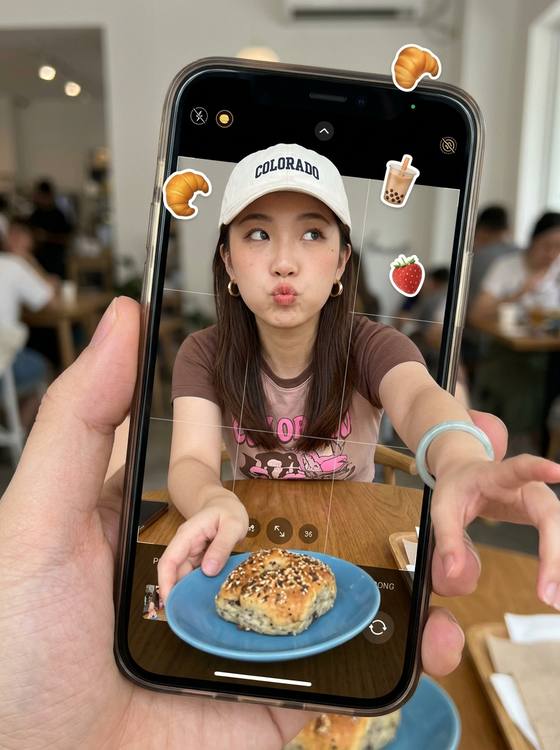
Fashion template, built from prompt with kawaii mixed with casual cafe, cafe table, bright, even cafe daylight, and POV mobile phone snapshot with surreal 3D edit, high-angle POV, and medium close-up inside phone, macro foreground.
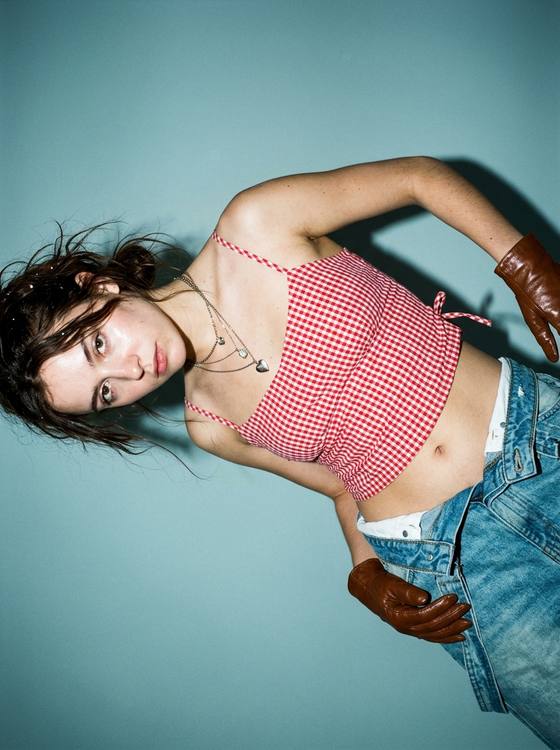
Sexy template, built from prompt with Film flash, Studio, Direct flash, and Full body.
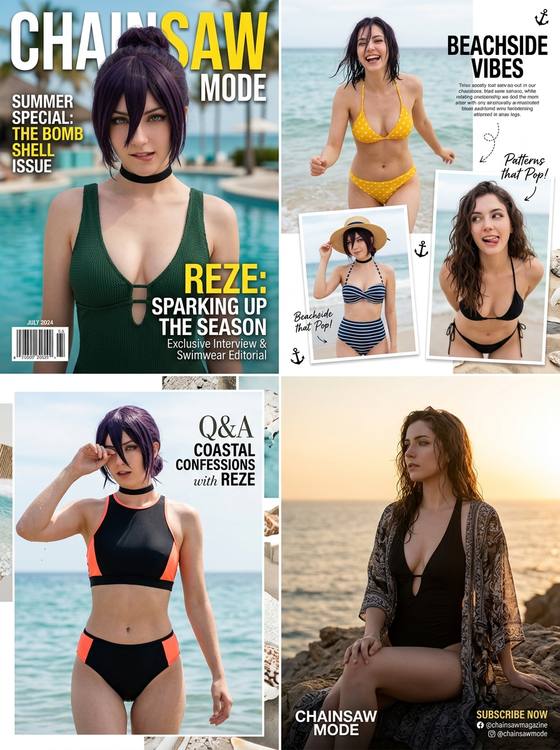
Sexy template, built from prompt with Editorial.
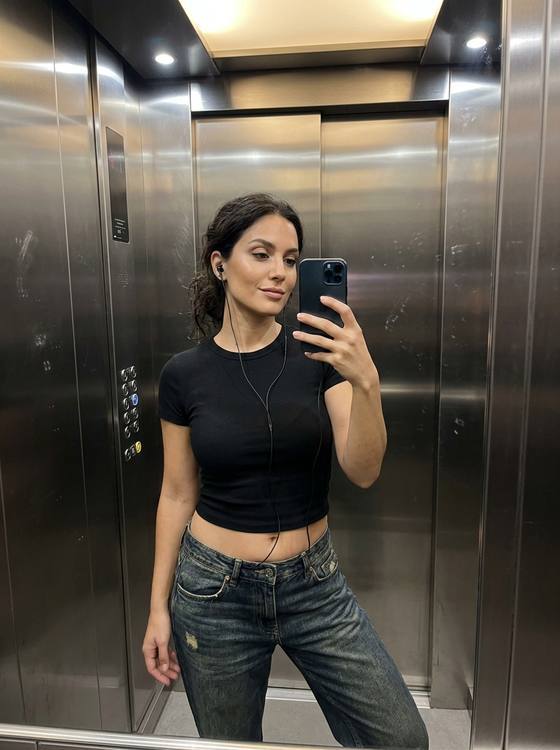
Sexy template built for tasteful adult glamour portraits with mirror selfie, city, flash styling.
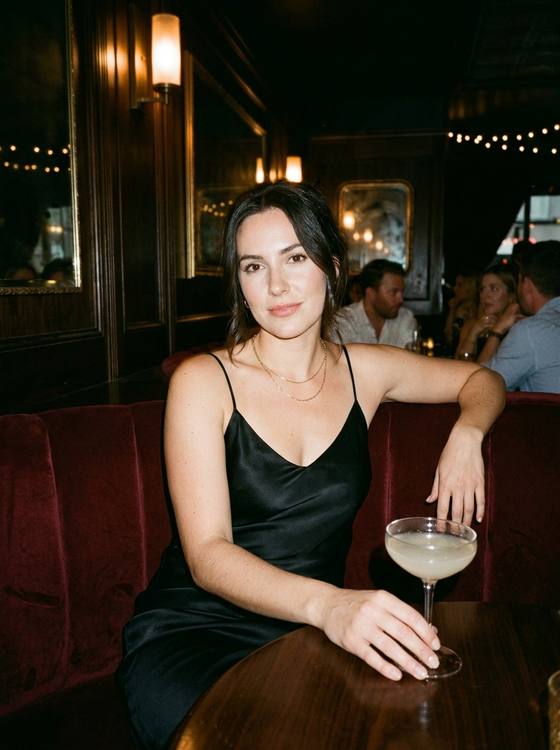
Sexy template built for tasteful adult glamour portraits with nightlife, velvet, flash styling.
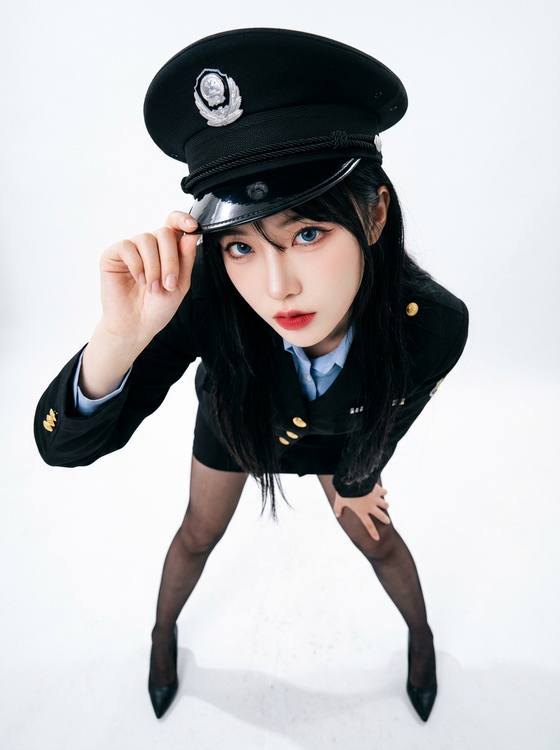
Sexy template, built from prompt with Editorial, Studio, Soft studio, and High angle.
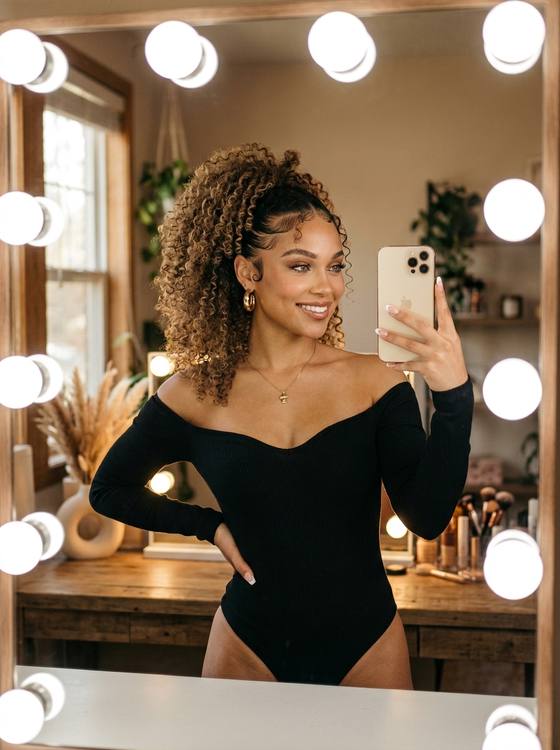
Fashion template, built from prompt with Realistic.
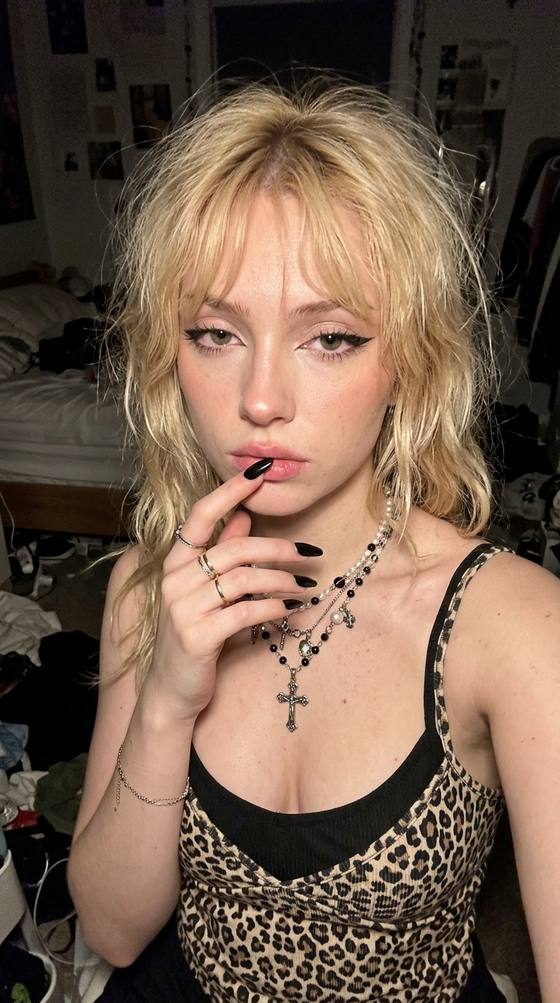
Headshot template, built from prompt with Film flash, Bedroom, Soft studio, and Eye level.
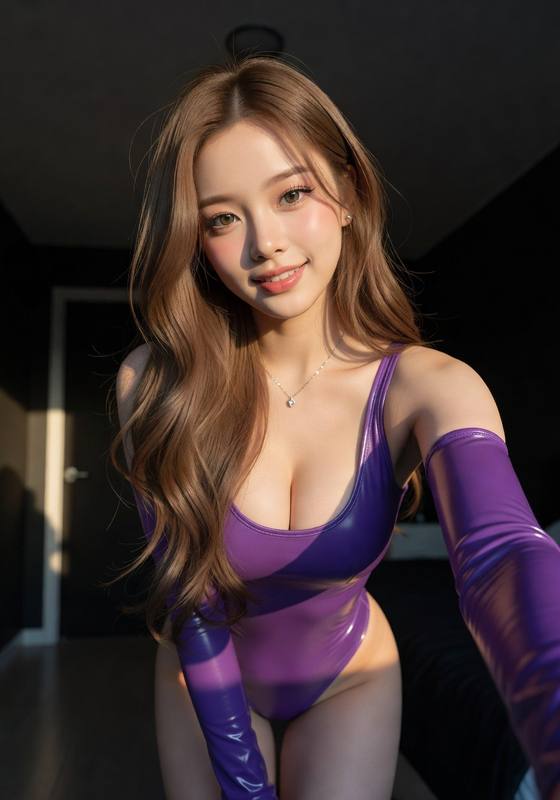
Magazine template, built from prompt with Film flash, City street, Direct flash, and Full body.
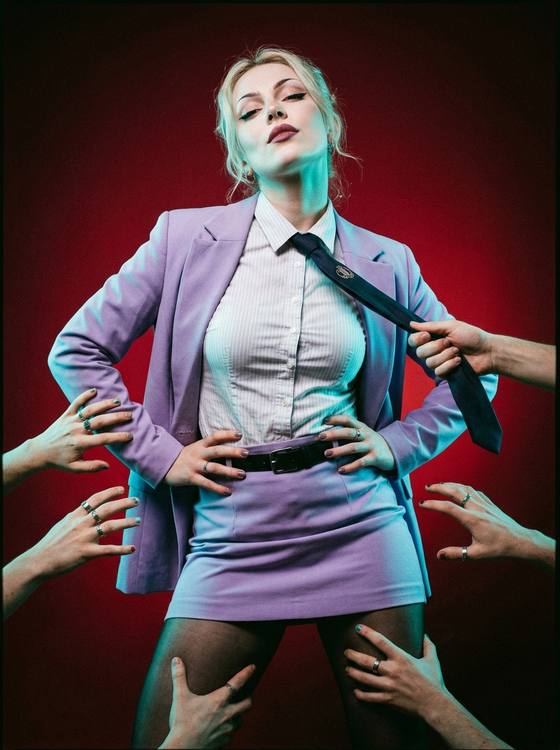
Studio template, built from prompt with Cinematic, Studio, and Cinematic.
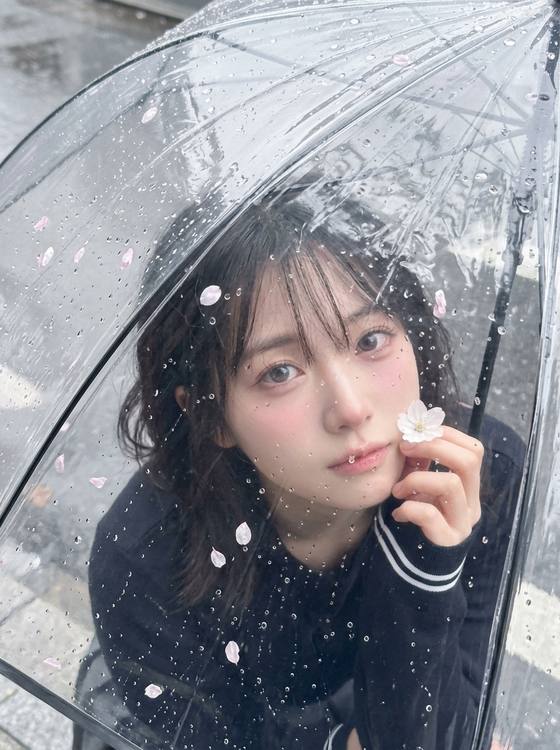
Fashion template, built from prompt with Realistic.
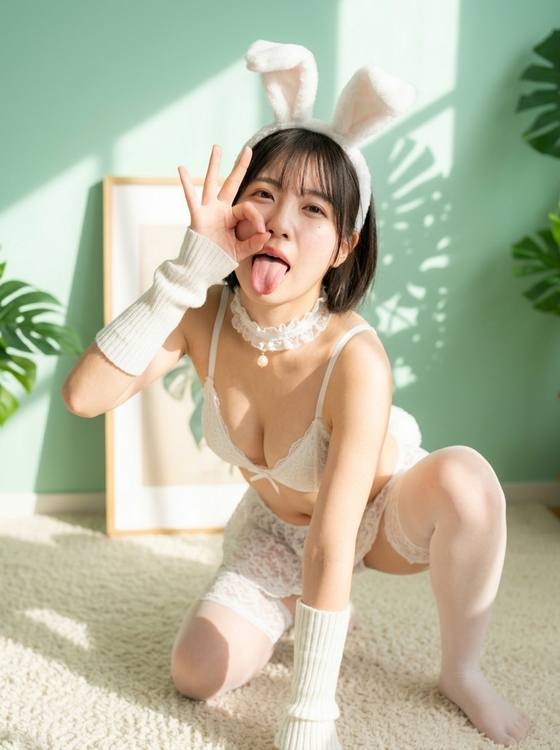
Sexy template, built from prompt with Lifestyle, City street, Low key, and Full body.
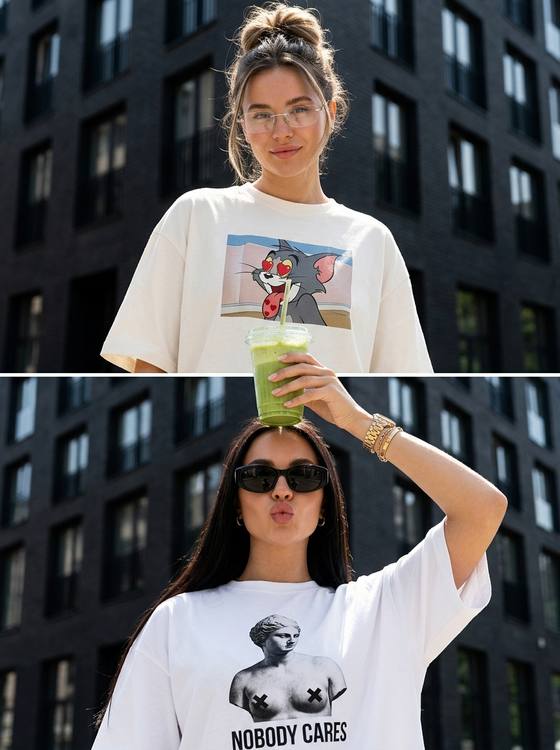
Magazine template, built from prompt with Editorial, City street, and Natural light.
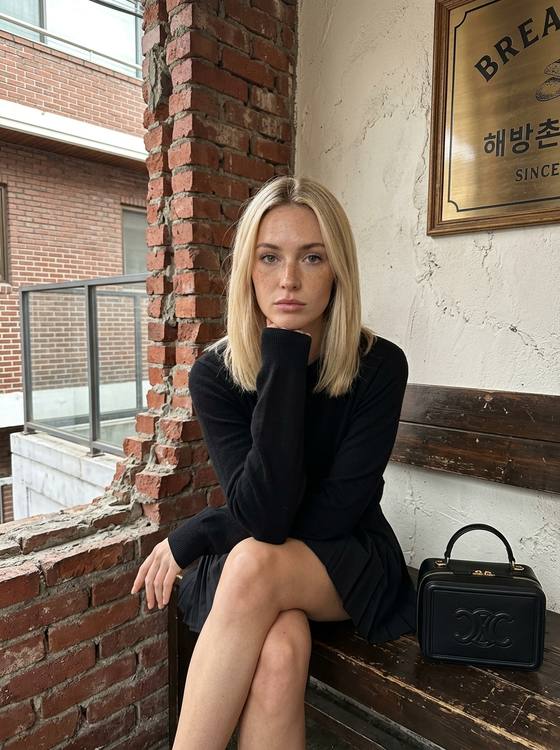
Fashion template, built from prompt with Realistic.
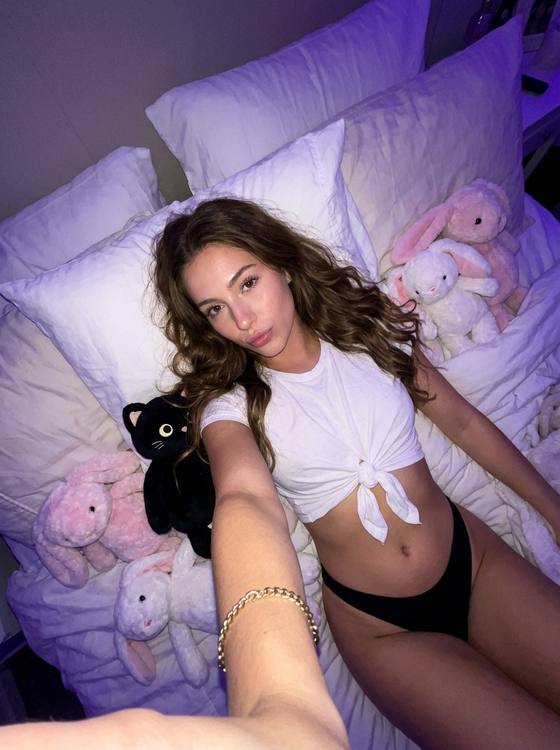
Sexy template, built from prompt with authentic casual bedroom selfie, cozy bedroom bed with white sheets, dim purple ambient bedroom lighting, and casual non-professional smartphone selfie, high angle from extended arm with natural tilt, and waist-up medium shot.
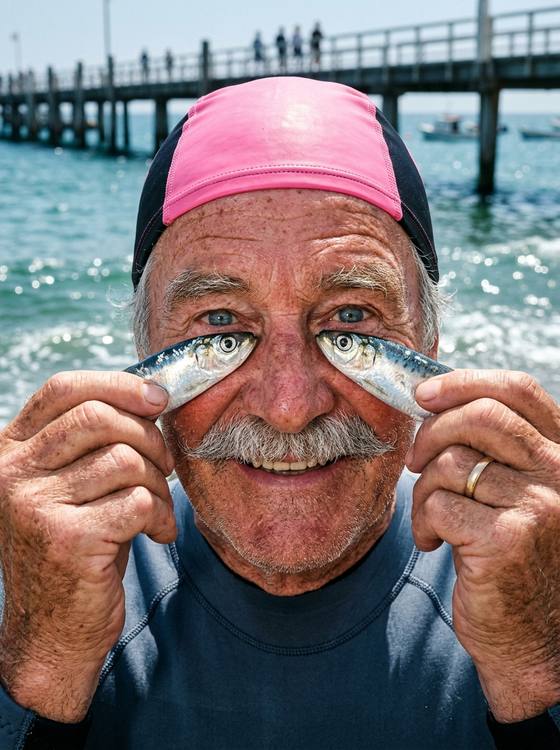
Fashion template, built from prompt with Realistic.
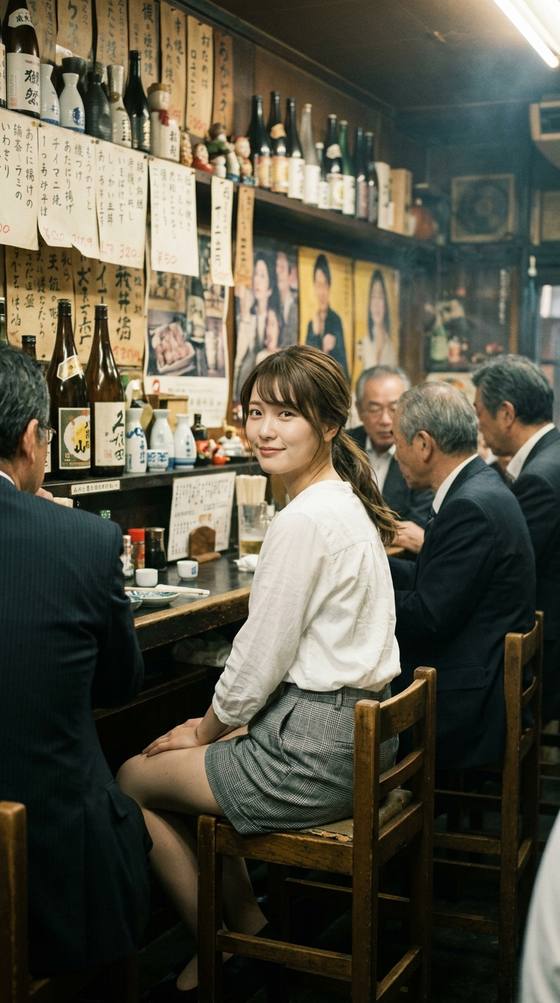
Headshot template, built from prompt with Film flash, Studio, and Soft studio.
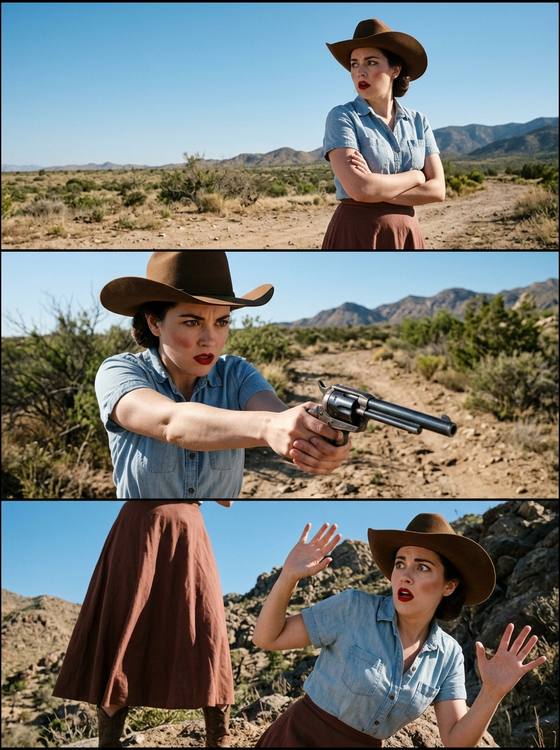
Travel template, built from prompt with Cinematic and Cinematic.
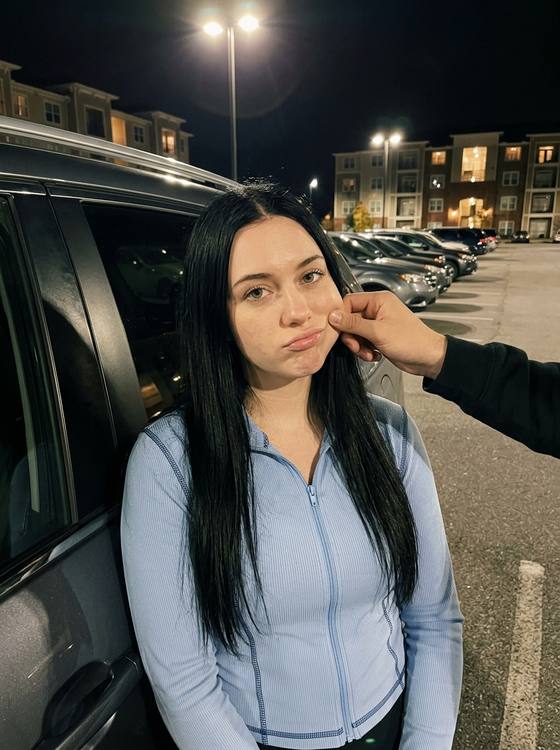
Fashion template, built from prompt with Realistic.
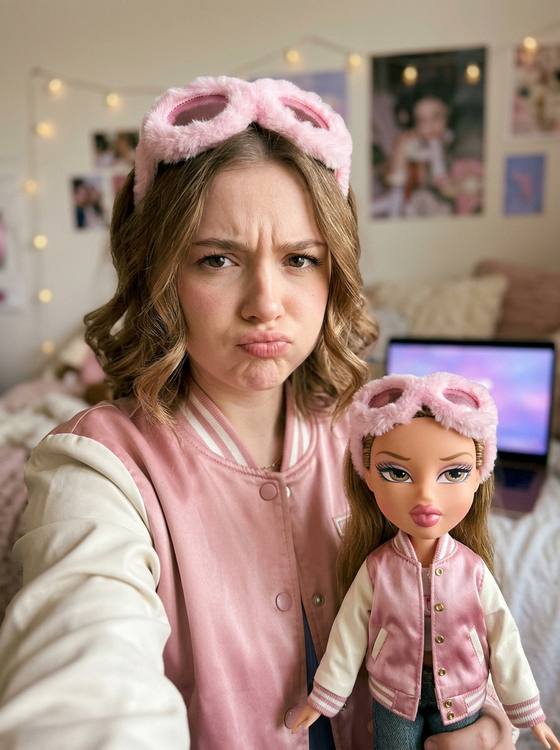
Dating template, built from prompt with Lifestyle and Close-up.
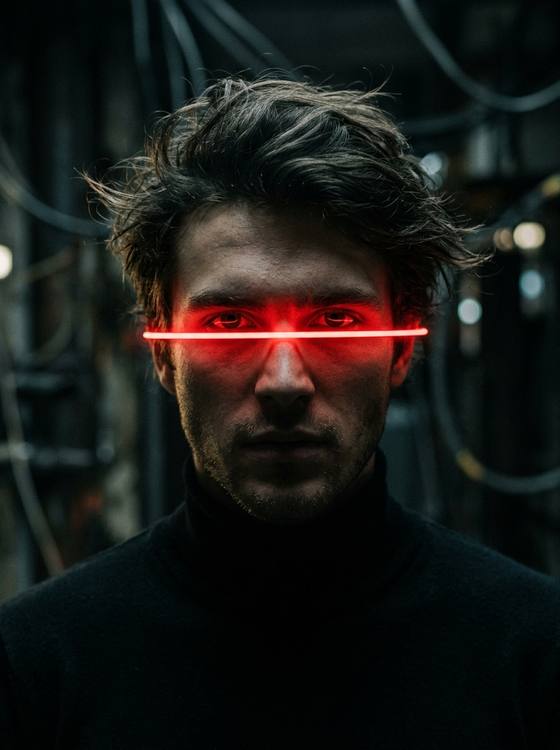
Studio template, built from prompt with Editorial, Studio, and Cinematic.
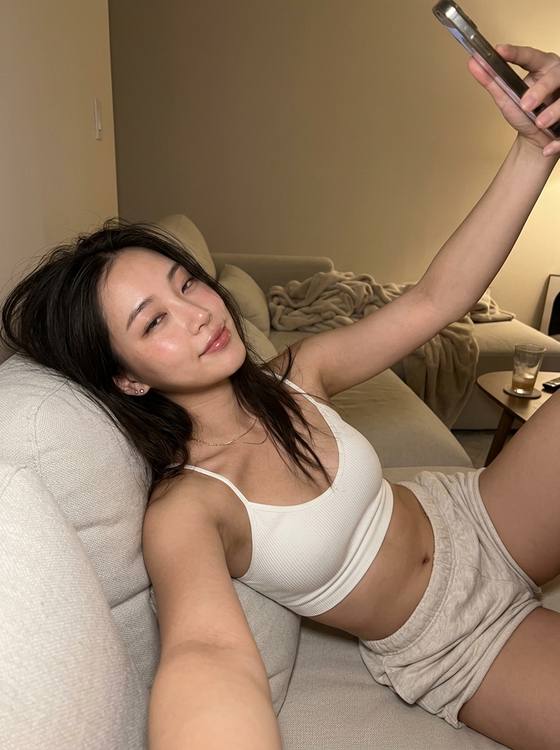
Fashion template, built from prompt with natural Korean influencer late-night selfie, cozy living room couch, soft dim warm apartment lighting, and casual smartphone Korean influencer selfie, slightly downward selfie angle, and upper body to waist framing.
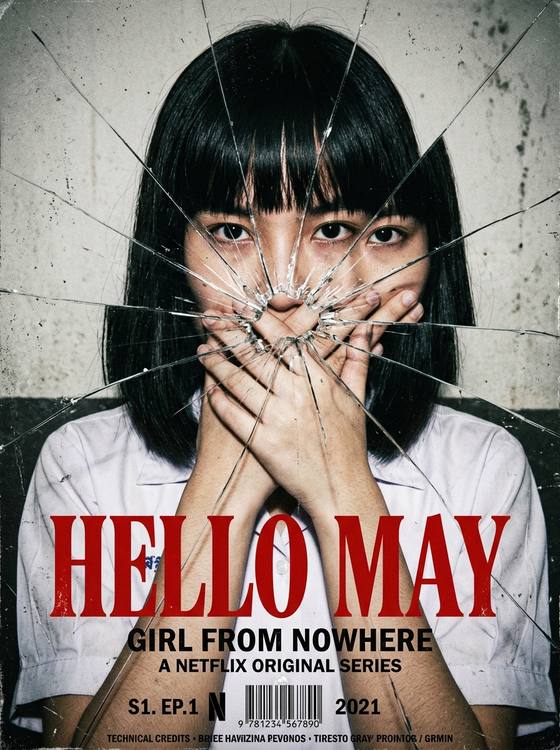
Cinematic template, built from prompt with Film flash, Direct flash, and Close-up.
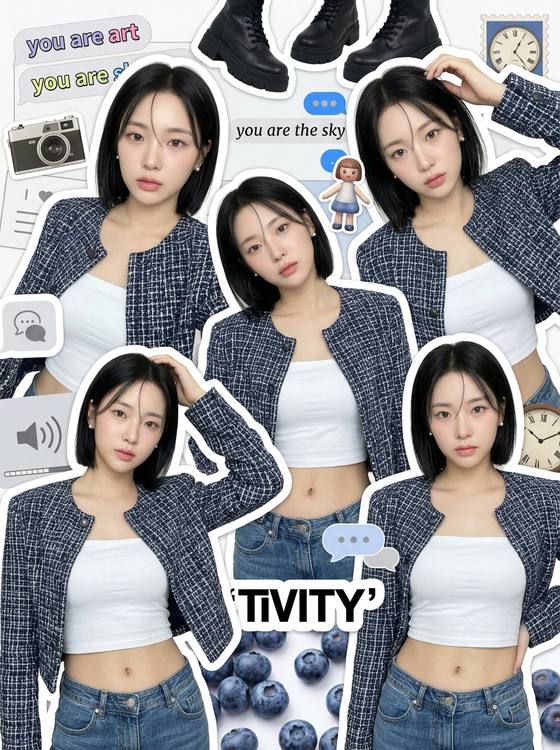
Dating template, built from prompt with Y2K digital scrapbook, K-pop photocard edit, digital scrapbook canvas, bright, flat frontal flash lighting, and smartphone casual portraits merged into a 2D digital collage, eye-level, slight high angles, and medium close-ups.
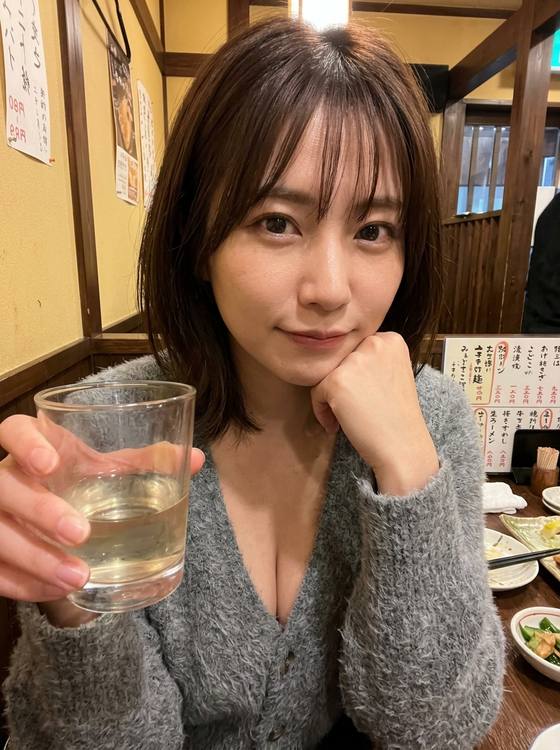
Sexy template, built from prompt with everyday nightlife selfie, cozy izakaya booth, warm indoor ambient lighting with wood reflections, and front-camera smartphone selfie, slight wide angle, near eye-level, very close distance, and tight portrait / close-up.
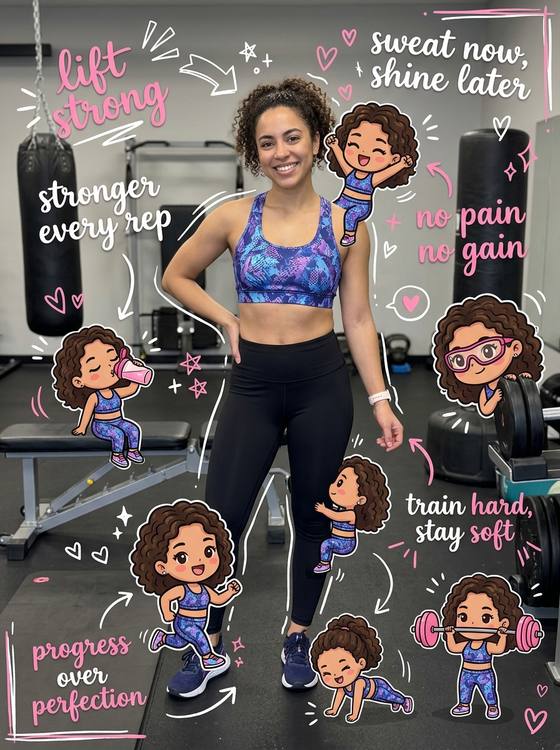
Fashion template, built from prompt with Realistic.
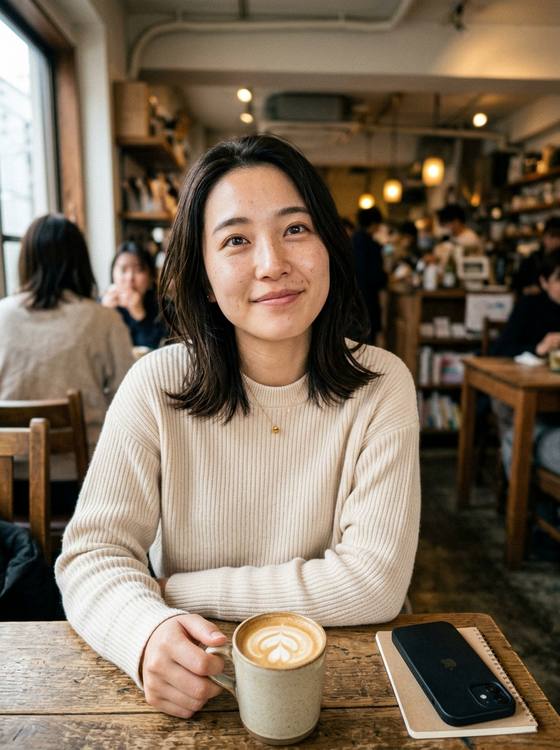
Dating template, built from prompt with Lifestyle.
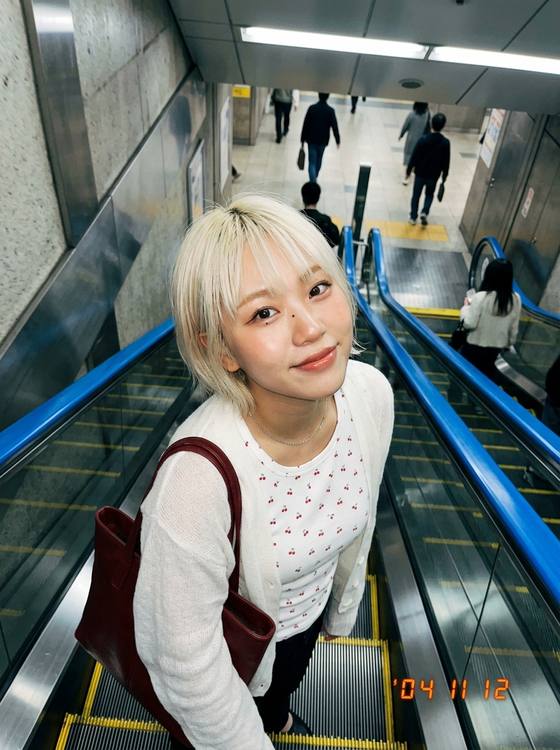
Sexy template, built from prompt with Lifestyle, City street, and Low key.
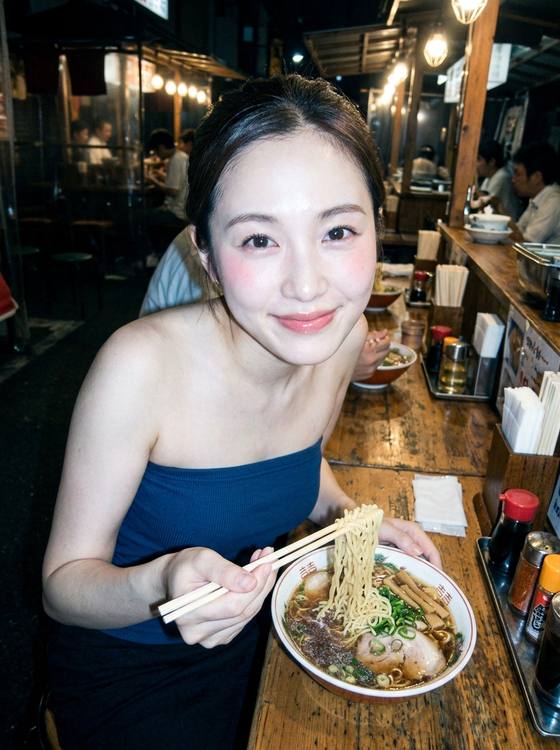
Travel template, built from prompt with Film flash and Direct flash.
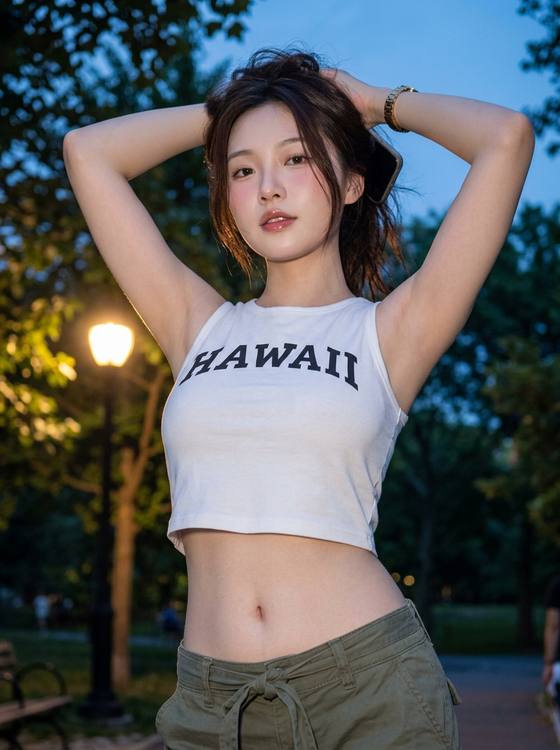
Fashion template, built from prompt with casual streetwear, park or street outdoors, mixed color temp, warm artificial backlight, deep blue ambient, and smartphone portrait, low angle, looking up, and waist-up mid-shot.
Each published template is both inspiration and a direct path into generation. Browse professional headshots, LinkedIn photos, profile pictures, dating photos, fashion portraits, cinematic looks, travel, and studio directions.
Filter by headshot, studio, profile, dating, fashion, cinematic, travel, and magazine directions.
Use your photos to preserve your identity, or create a new persona without an upload.
Open any template, add an optional direction, generate, and keep exploring while it runs.
Yes. Every published template can be opened and used directly in the generator.
No. Upload only when you choose Use my photos and want the result to preserve your identity.
It creates a new AI person from the selected template without using a reference image.
Start with headshot, studio, LinkedIn, and clean profile templates when the image will be used for work or applications.